Scenario design and controlled exercises.
AnyWorldSim Planning and Wargaming connect structured scenario design, controlled play, replay, and after-action evidence.
Product
Planning, Wargaming, and Doctrine use a portable .awsim scenario for authoring, controlled exercises, and policy learning, with review and provenance shared across the three tools.
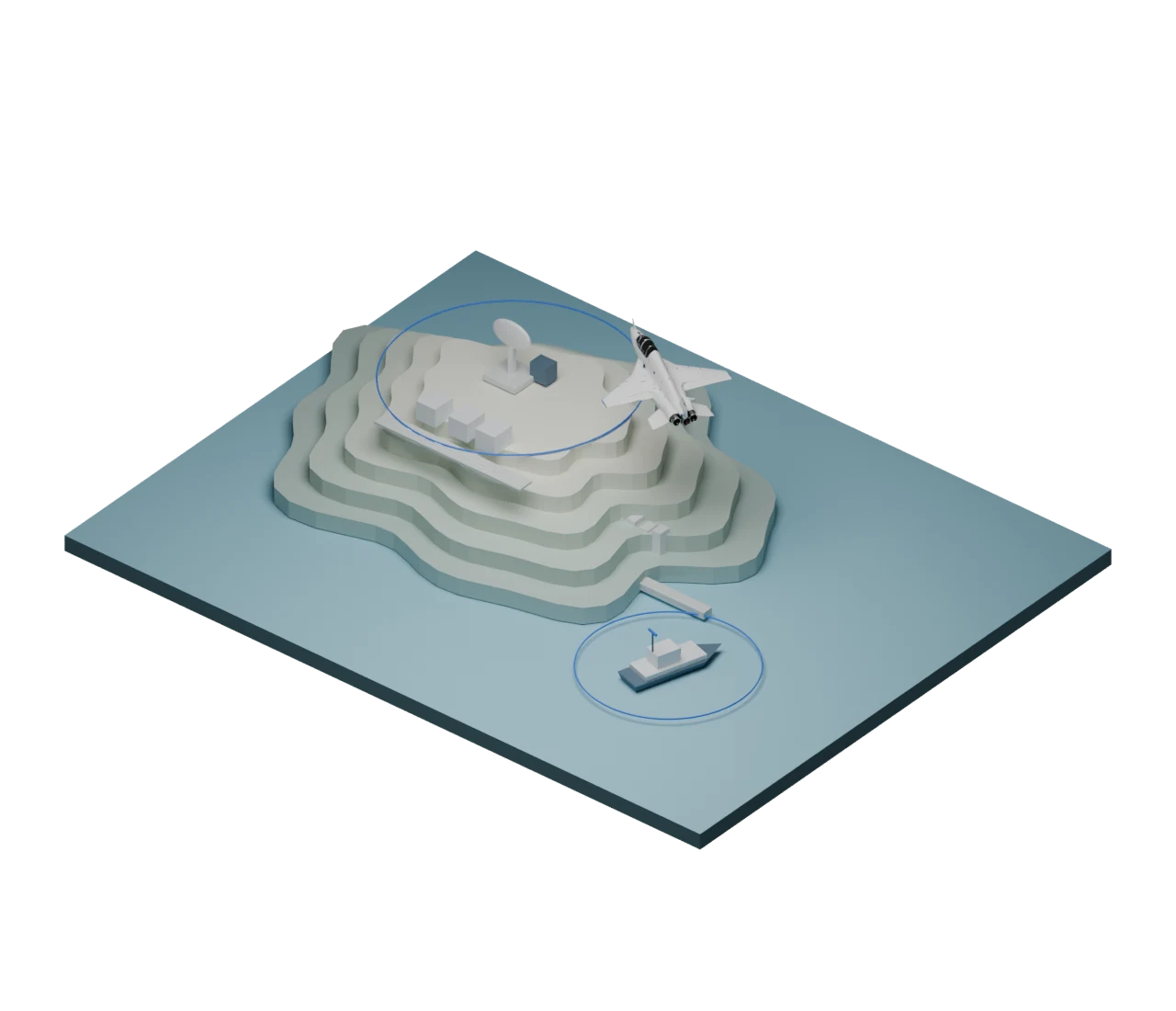
The coastal image is a static reference. The selected view is explained below.
In this view: A planned route and waypoints appear around the coastal terrain.
Planning defines entities, routes, missions, and conditions in the versioned .awsim scenario.
Fictional setting and arbitrary scale. No measured results or live simulation.
The same fictional coastal scenario is shown at three workflow stages. Select a stage, then drag the scene or use the camera controls to examine it.
Product workspaces
Demonstration views of scenario authoring, exercise setup, policy evaluation, and capability models.
Scenario authoring
Edit forces, missions, zones, weather, and timed events in the Scenario Editor. Save the assumptions with the scenario.
View full-size screenshot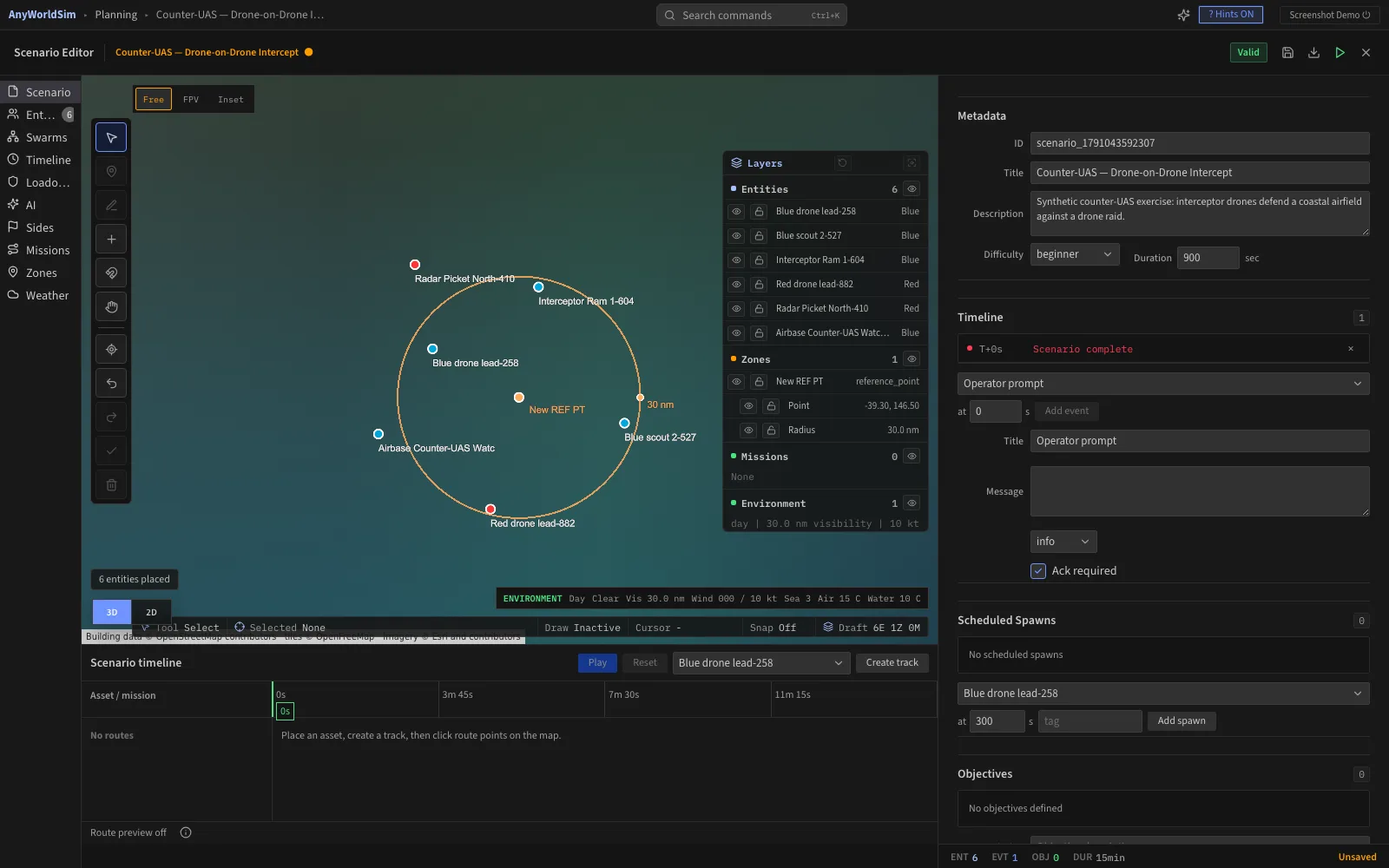
AnyWorldSim Planning and Wargaming connect structured scenario design, controlled play, replay, and after-action evidence.
Engineering teams combine the scenario editor and deterministic runner with telemetry and supported adapters.
Three tools
The three tools share the scenario file, but keep separate interfaces and records.
Plan
Define conditions, forces, objectives, constraints, and events in a structured scenario.
Exercise
Prepare roles and opposed-force play, then record decisions and review the exercise.
Learn
Codify doctrine, rewards, and curricula, train policies, and manage model versions and evaluations pinned to scenario revisions.
Platform coverage
Editions and domain packs use the following simulation, authoring, and exercise capabilities.
Compare plan variants, strike assignments, force posture, coverage, and resource constraints through reproducible scenarios.
Combine doctrine and mission agents with rule-based or learned policies, swarm tactics, and counter-UAS interceptors. Assisted suggestions require operator approval.
Examine contact classification, priorities, asset tasking, engagement rules, and approval workflows inside the simulated environment.
Bring ADS-B, AIS, radar tracks, SAR-chip classification, and the synthetic ISR source lab into geospatial context through supported connector formats.
Author entities, sides, missions, zones, weather, events, objectives, and reusable content through structured workflows.
Replay the same declared inputs and seed, compare bounded variants, and retain run identity with the results.
Place and observe air, land, maritime, sensor, logistics, and effect models in a common world context, with a 3D globe and buildings.
Run role-based WEGO exercises with lobbies, side-restricted views, and seat-bound orders. Command echelons hold orders for approval.
Inspect timelines, events, scorecards, and after-action outputs with an audit trail and recovery bundles, without changing the source scenario.
Exchange versioned .awsim scenarios over supported APIs, DIS/HLA federation (HLA needs a configured runtime), MAVLink SITL bridging, and replay export.
Desktop and browser clients share the same workspaces on a workstation, shared server, or controlled air-gapped environment.
Add scenario libraries, platform catalogues, model packs, templates, vocabulary, and evidence suited to an approved domain.
Scenario files
Entities, sides, missions, zones, weather, events, objectives, model versions, and provenance stay inside a versioned .awsim scenario.
Built for
Validation and use limits